CASE 03 · Apparel
A tee with personality
A product listing becomes a worn-on-model showroom clip and a presenter-led introduction.
01 / THE STARTING POINT
Before
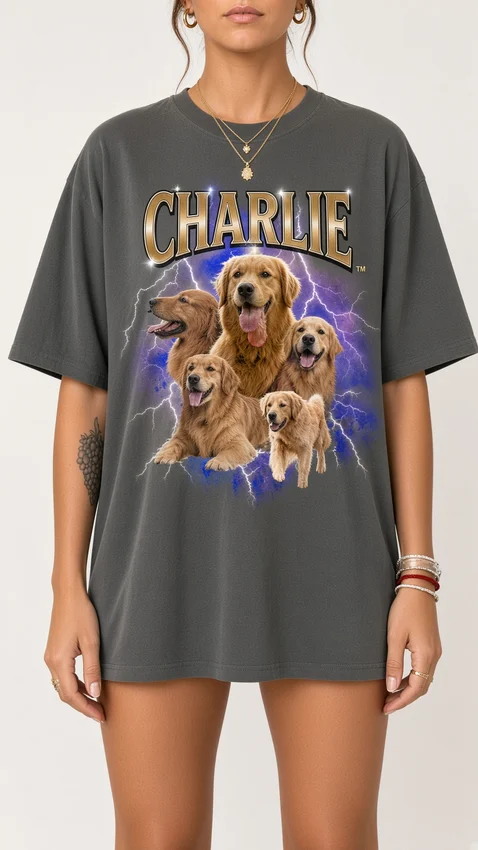
Image from the product listing
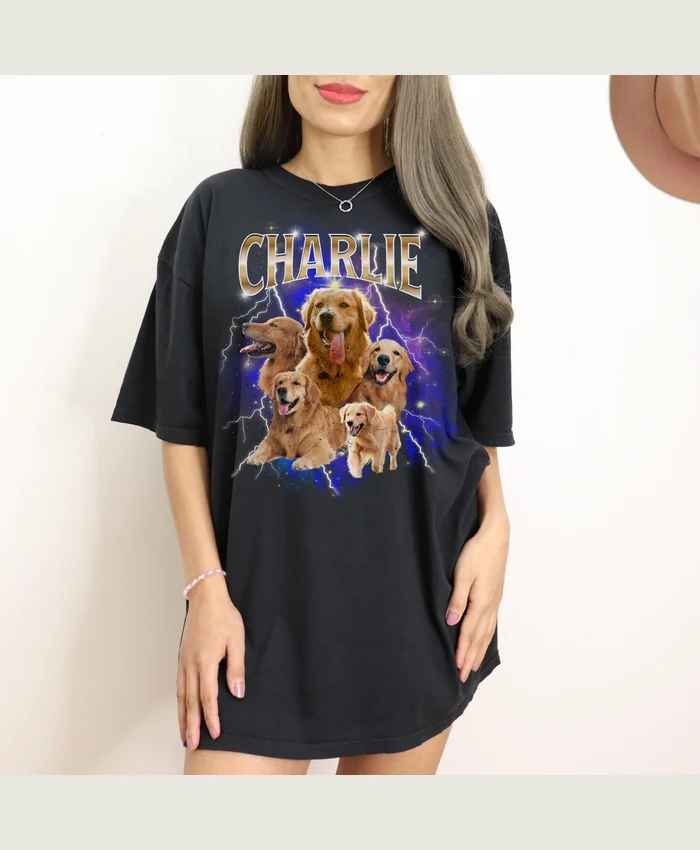
The printed pet collage gives the model-led scenes a concrete product reference.
02 / THE TRANSFORMATION
After
Brought to life with Imaginou
SAME PRODUCT. ANOTHER DIRECTION.
A different way
to tell the story.
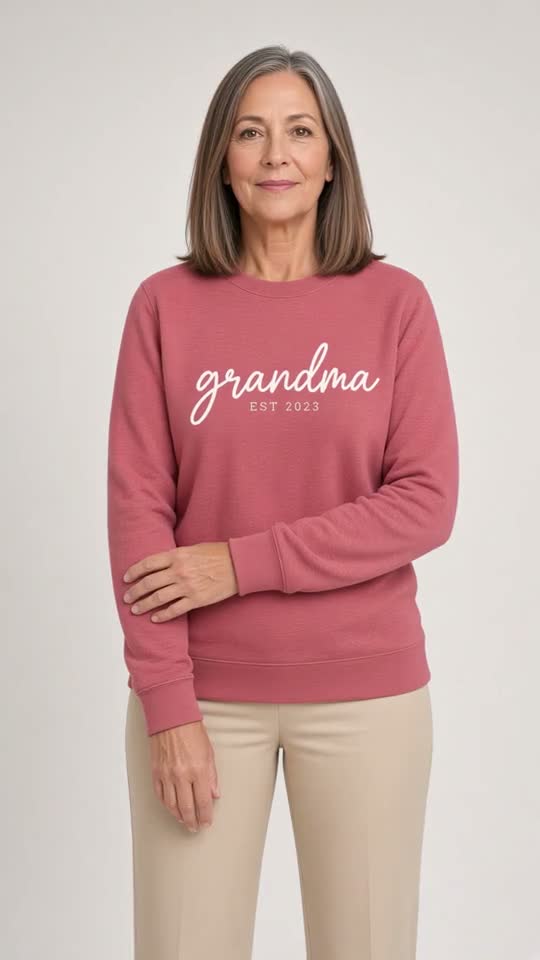
Presenter film · 0:12 · Spanish audio
The same product can support a different creative treatment. Compare both films with the source photo and choose the direction that suits your campaign.
Back to the first treatment ↑BEHIND THE RESULT
How this story
came to life.
From the product URL to the creative direction, saved storyboard and finished silent showroom clip.
Paste the product URL, choose the video type and select the language. Review the storyboard before generating the film. Our AI presenter walks through the saved storyboard and finished film. English narration, captions and original background music. This is an edited explanation, not a live screen recording or a new generation run. Product-film excerpts are muted in this walkthrough; the complete original films are available above.
Download walkthrough ↓THE CREATIVE DIRECTION
The product stays
at the center.
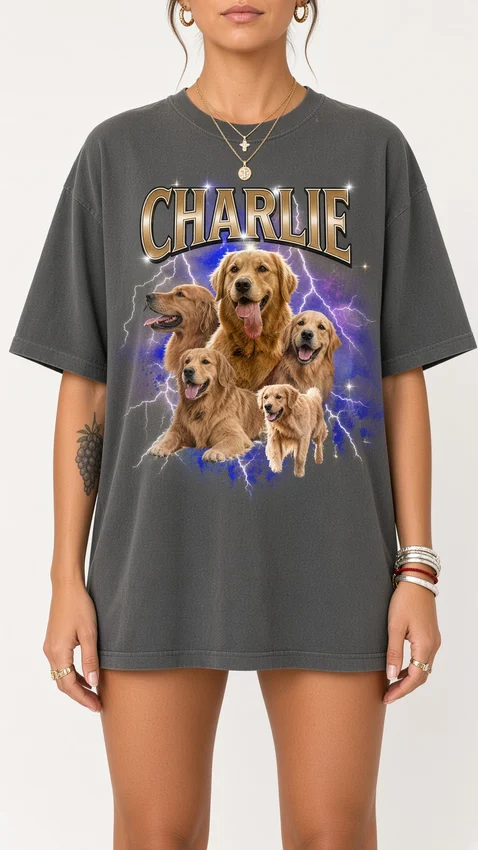
Silent showroom clipSilentShow the T-shirt worn by an adult model, with the print visible and simple, natural movement.
Creative summary of the saved production. Images and factual details from the product listing guide the scenes.
WHAT TO REVIEW
The details still matter.
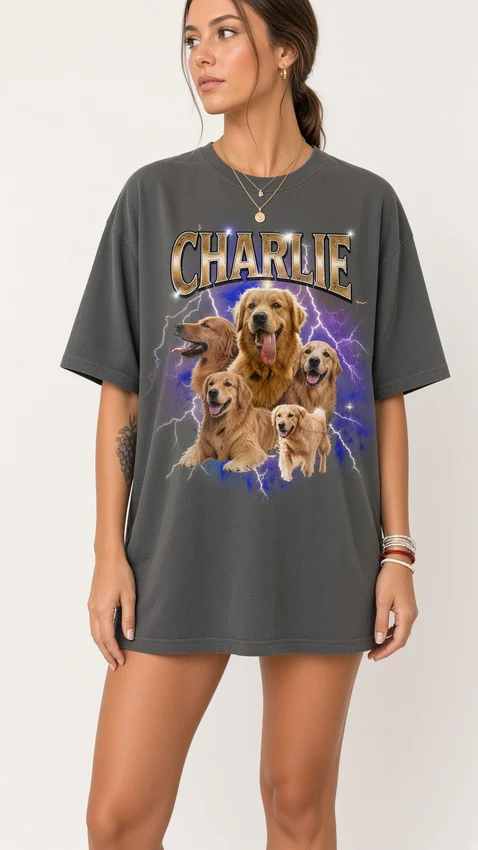
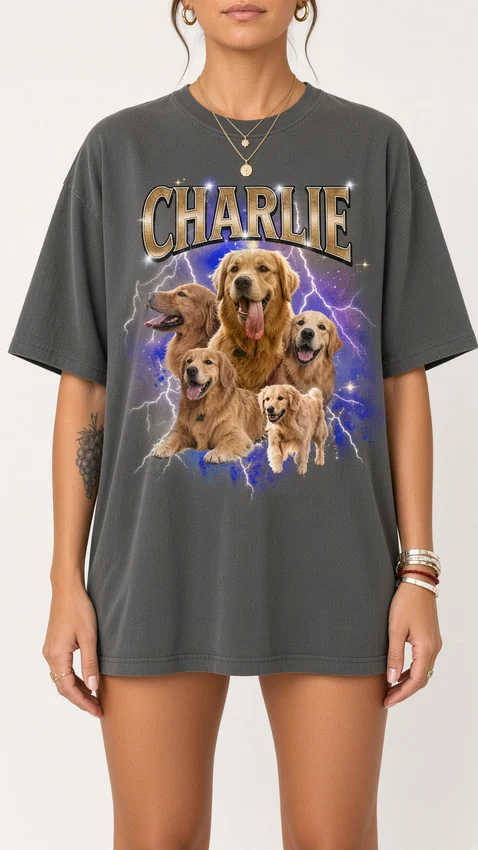
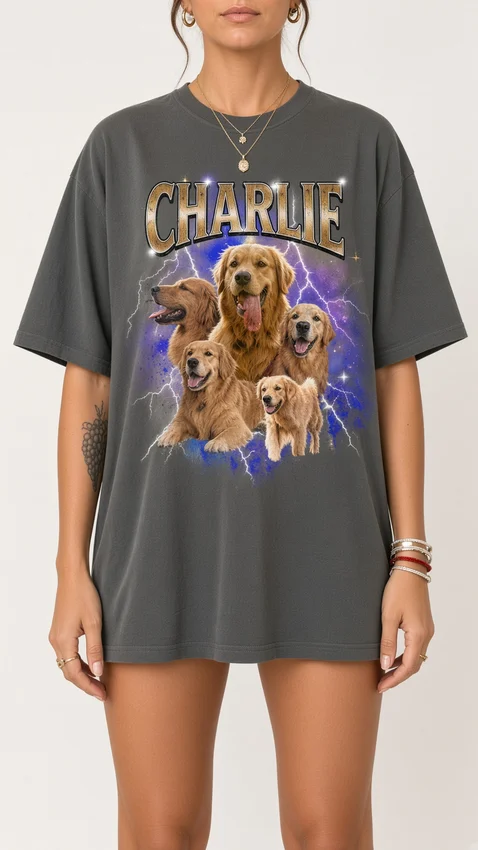
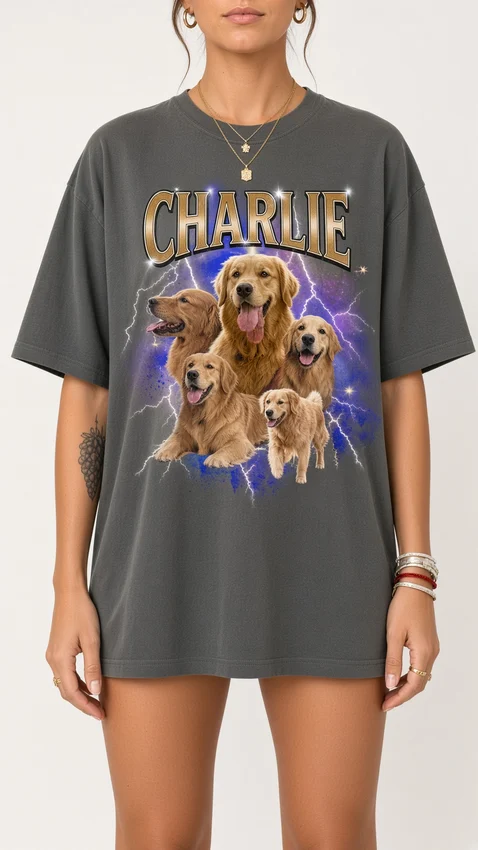
Compare the pet collage, print placement, shirt color and fit with the product reference.
Generated details can drift. Inspect the storyboard before generation, then play the complete film before using it in a campaign.
ACTUAL SAVED PRODUCTION FRAMES
A first frame.
A last frame. A clear direction.
These six frames belong to the first treatment shown above. They set the scene composition and motion endpoints; they are not photos from a physical shoot.
YOUR PRODUCT. YOUR DIRECTION.
Give your product
a whole new story.
Paste the product URL. Choose your video type and language. Review the storyboard.